
Close Menu
  • Home
  • News
  • Tech Jungle
  • RAWRMag
  • BIZnest
  • Brands
  • About
    • BE PART OF THE LIONHEARTV FAMILY!
    • THE PRIDE
    • ADVERTISE AT LIONHEARTV
What's Hot

Lucky Chinatown Showcases Globally Recognized Philippine Footwear Designs at SAFATOS Pilipinas Exhibition

June 23, 2026

Mitsubishi Motors Engages Key Government Stakeholders at Philippine International Motor Show

June 23, 2026

Wish 107.5 Brings ‘On Campus’ Tour to Arellano University Manila Featuring KDR Music House Artists

June 23, 2026
Facebook X (Twitter) Instagram
Facebook X (Twitter) Instagram YouTube TikTok
LionhearTVLionhearTV
  • Home
  • News
  • Tech Jungle
  • RAWRMag
  • BIZnest
  • Brands
  • About
    • BE PART OF THE LIONHEARTV FAMILY!
    • THE PRIDE
    • ADVERTISE AT LIONHEARTV
LionhearTVLionhearTV
Home»Business and Finance»Cash in to your PayMaya account for FREE via BPI, Ministop, Smart Padala
Business and Finance

Cash in to your PayMaya account for FREE via BPI, Ministop, Smart Padala

Lion's DenBy Lion's DenAugust 16, 2021No Comments3 Mins Read
Share
Facebook Twitter Reddit Pinterest Email

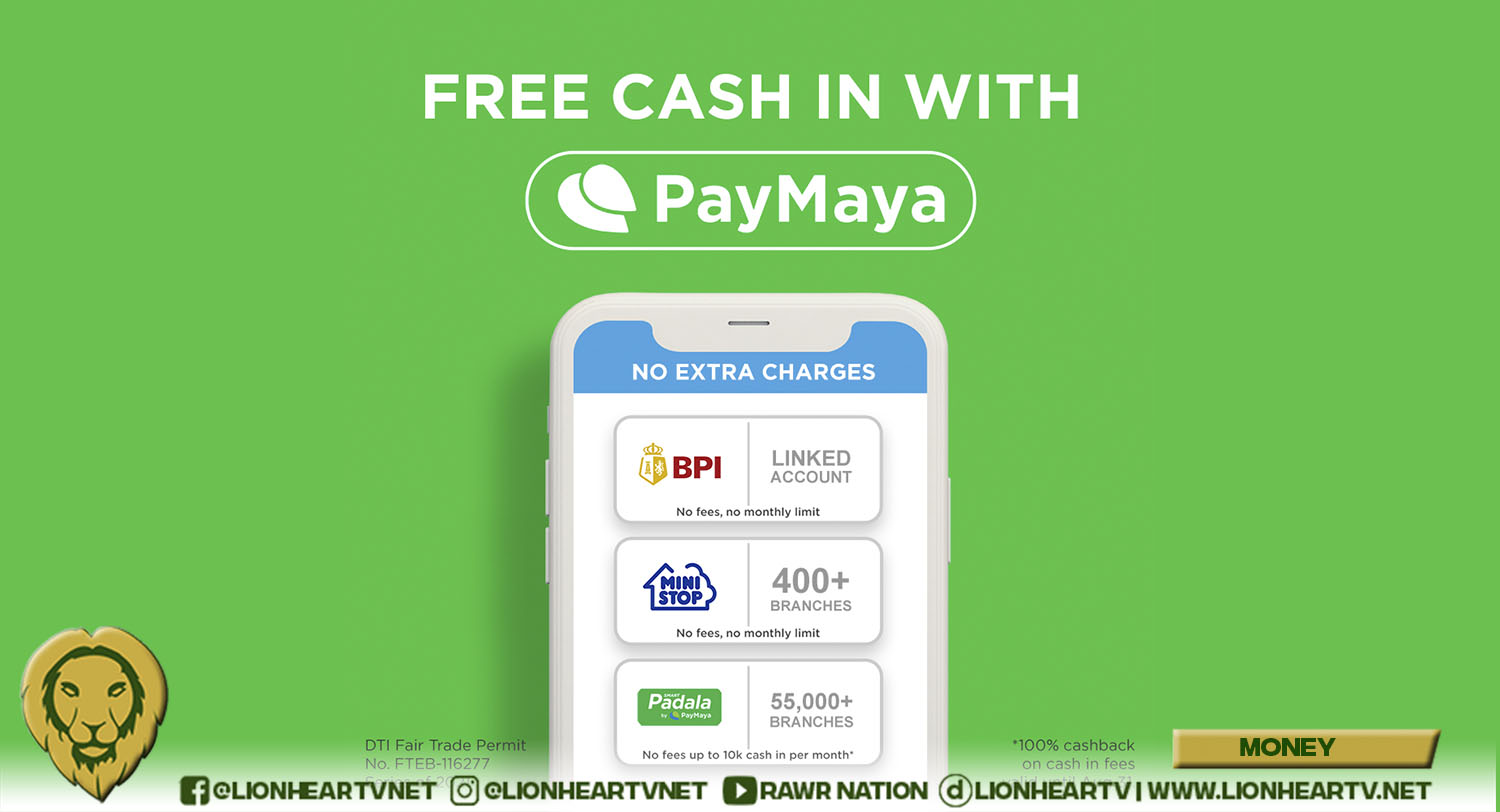
You can now cash in to your PayMaya account FOR FREE via BPI (linked account), Ministop, and your trusted Smart Padala agent – making it easier than ever to go cashless for your everyday transactions.
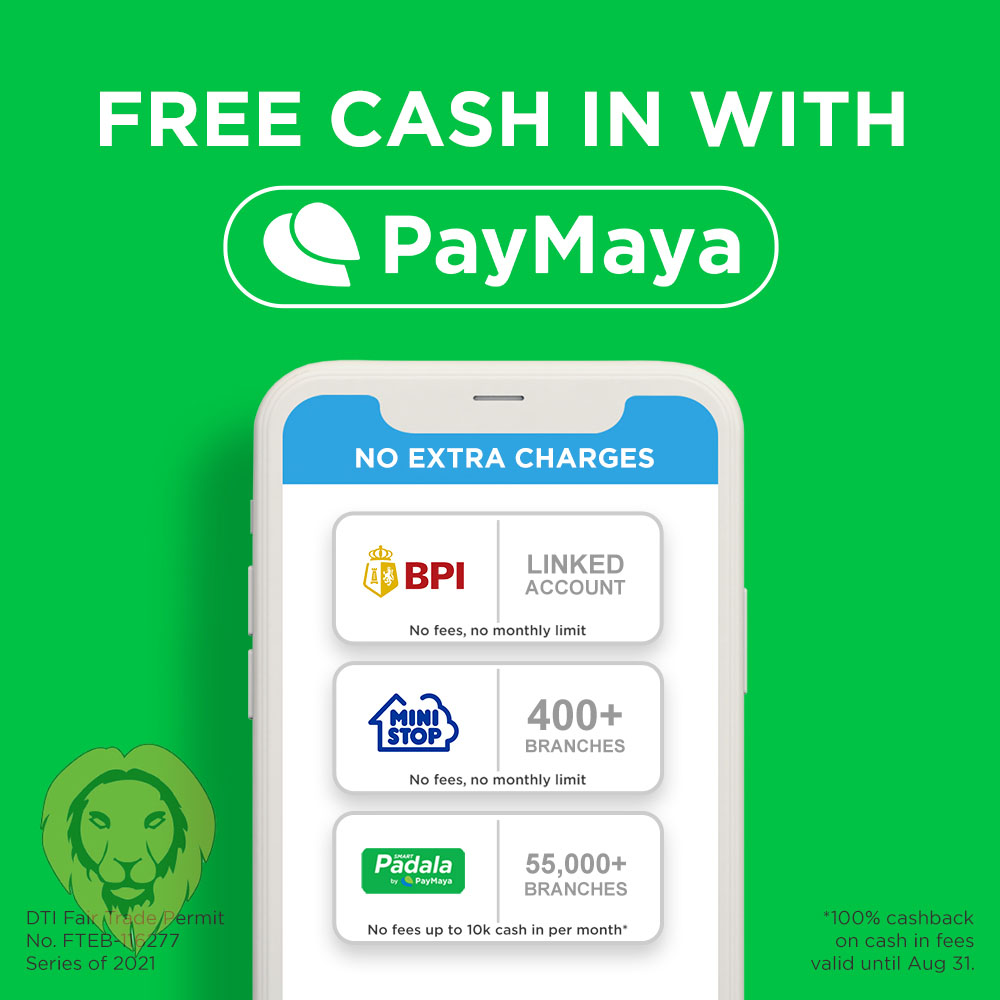
Wherever you are, and whether you want to do it online or in your go-to establishment, PayMaya offers the most accessible way to cash in to your account for free! Here’s how:

Cash in via BPI

If you’re a BPI account holder, there’s no need to go out of your house because you can quickly cash in to your PayMaya account for free by simply linking your BPI account to your PayMaya e-wallet. Just follow these easy steps:

  • Select the “Cash In” icon on your PayMaya app’s home screen. Tap “Bank Account,” then select the BPI logo.
  • Enter the desired amount, then select “Continue”. You will get a prompt to log in to your BPI Online Banking account.
  • Select your source account, click “Continue” Review your transaction details, and click “Send Code” to proceed.
  • Input the one-time PIN you’ll receive via SMS. Click “Submit”

Once your transaction is successful, you will receive a text confirmation from PayMaya. And that’s it! Now, you can save on cash in fees and complete your hassle-free transaction with just a few clicks from your phone.

Cash in via Ministop

You can also enjoy free cash in at over 400 Ministop branches across the country. With this, you can save as much as P200 on fees – which you can now use to buy your favorite snacks or chicken meal at Ministop!

To start cashing in to your PayMaya account at your go-to branch, simply follow these instructions:

  • Select the “Cash In” icon on the home screen of your PayMaya app, and tap the Ministop logo.
    Enter the desired amount, then select “Continue”.
  • Go to any Ministop branch and present your generated barcode to the cashier, along with the cash in amount to the cashier.
  • Wait for the SMS confirmation before leaving the store, and that’s it!

Cash in via Smart Padala

Wherever you live, there’s always a Smart Padala agent near you, and this makes putting money to your PayMaya account so much more convenient. With over 55,000 Smart Padala agent network touchpoints nationwide, cashing in is as easy as heading to your neighborhood sari-sari store.

Now, completing this transaction is also sulit, as PayMaya gives you a 100% cashback on your service fee whenever you cash in to your account until August 31, 2021. This cashback promo is valid for cash amounts of P10,000 and below.

Cashing in to your PayMaya account at your trusted Smart Padala agent is easy. Here’s how you can do it:

  • On your PayMaya app, tap “Cash In,” then select “Smart Padala via Code” and enter the amount you want to add to your account.
  • Present the Cash In Code and a valid ID to your Smart Padala agent and and provide the cash in amount and the 1% cash in fee.
  • You will receive a confirmation message via SMS regarding your transaction as well as the 100% cashback on your cash in fee.

With more ways to cash in to your PayMaya account for free, you can now enjoy cashless convenience when buying groceries, transferring money to your loved ones, or paying your bills completely worry-free. To top it off, you can spend what you saved on cash in fees on things that matter to you – be it an extra order of your favorite food or perhaps a small donation to those in need through your favorite charitable institution.

Comments

BPI Cash in Ministop PayMaya Ripple8 Smart Padala
Share. Facebook Twitter Pinterest LinkedIn Reddit Email
Previous ArticleiQiyi’s Five Tips to Find Your True Love!
Next Article Daniel Padilla compares himself to a ship while Kathryn Bernardo as his anchor
Lion's Den
  • Website
  • Facebook
  • X (Twitter)
  • Instagram

LionhearTV has always believed in what the everyday reader can contribute, and has always been open to receiving input, help, or leads on stories. Readers are always encouraged to drop us their thoughts either by either by leaving a comment on a post, or contact us directly – email us at lionheartvnet@gmail.com.

Related Posts

Dad-Approved Guide to Moneymaxxing

June 22, 2026

PLDT Enterprise Sustains Growth Momentum on ICT Expansion and Network Modernization

June 20, 2026

EastWest Rural Bank Boosts Back-to-School Readiness through DepEd Partnerships

June 18, 2026

BanKo, Jollibee Group Foundation strengthen support for Filipino onion farmers through financing partnership

June 16, 2026
Add A Comment

Comments are closed.

Find us on Facebook
Blogmeter.Top


Trending

SILOG Awards 2026 returns to honor Filipino online creators and digital mavericks

May 13, 2026

Lion With A Heart Year 9, from acts of giving to sustainable impact

April 28, 2026

LionhearTV continues to grow: Strengthening BIZNest, Tech Jungle, and RAWRTrip for 2026

February 14, 2026

15 Adored PH Celebrity Loveteams That Eventually Parted Ways

February 2, 2026

25 Best Teleseryes of 2025

January 14, 2026
Showbiz News

Ogie Diaz praises Liza Soberano’s honesty about career struggles abroad

June 23, 2026

Brandon Espiritu reflects on ‘halfies’ controversy

June 23, 2026

Maloi Ricalde and Zild Benitez spark romance rumors after family wedding appearance

June 23, 2026

‘Wala akong pakialam kay Ian.’ Matet de Leon slams netizens over ongoing family inheritance controversy

June 23, 2026

John Lloyd Cruz and Ellen Adarna set for reunion sitcom

June 23, 2026
Most Viewed

Lucky Chinatown Showcases Globally Recognized Philippine Footwear Designs at SAFATOS Pilipinas Exhibition

June 23, 2026

Mitsubishi Motors Engages Key Government Stakeholders at Philippine International Motor Show

June 23, 2026

Wish 107.5 Brings ‘On Campus’ Tour to Arellano University Manila Featuring KDR Music House Artists

June 23, 2026

Ogie Diaz praises Liza Soberano’s honesty about career struggles abroad

June 23, 2026

Freelancers Share What They Wish They Knew When They Were Starting Out

June 23, 2026
eMVP Digital is an online empire that useful pieces of information and a resource for a daily dose of entertainment in all forms. It produces LionhearTV.net, Dailypedia.net, RAWR Awards, RAWRMag, DailyPIPOL, and Broken Lion. These platforms have a highly-engaged audience per month, which varies from ages and sexes.


Blogmeter.Top
© 2026 LionhearTV.net.
  • Home
  • News
  • Tech Jungle
  • RAWRMag
  • BIZnest
  • Brands
  • About
    • BE PART OF THE LIONHEARTV FAMILY!
    • THE PRIDE
    • ADVERTISE AT LIONHEARTV

Type above and press Enter to search. Press Esc to cancel.