
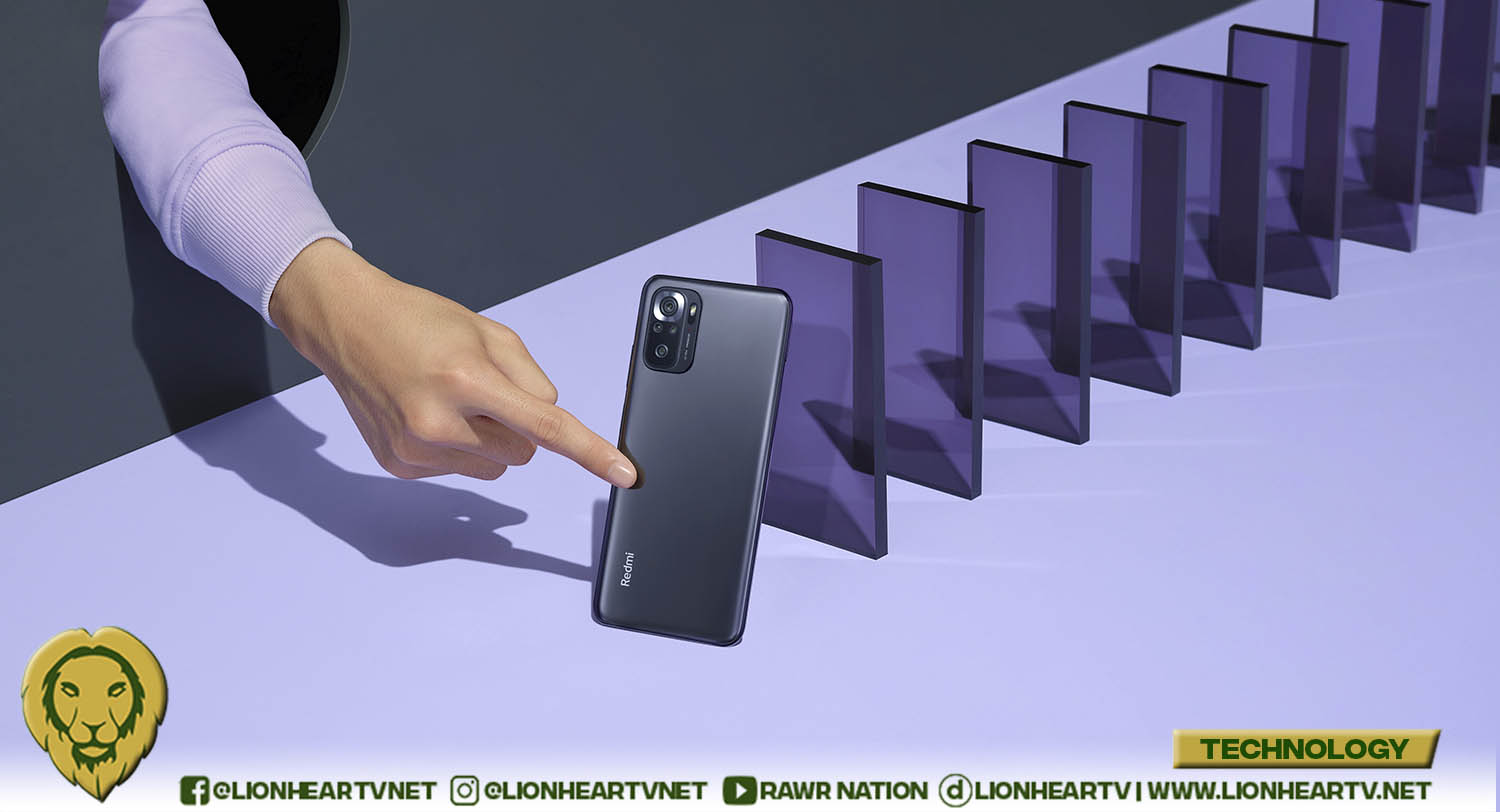

The availability of Xiaomi Redmi Note 10S comes hand-in-hand with high-quality cameras and features, making creative content no longer requiring expensive camera equipment. Most millennials and Gen Zs have looked into leveling up their photo and video skills during the pandemic whether as a hobby, a source of income, or simply to share interesting photos or videos to their friends and family.
Now it’s possible to level up your photo and video content just by maximizing the amazing features that come with your smart phone.
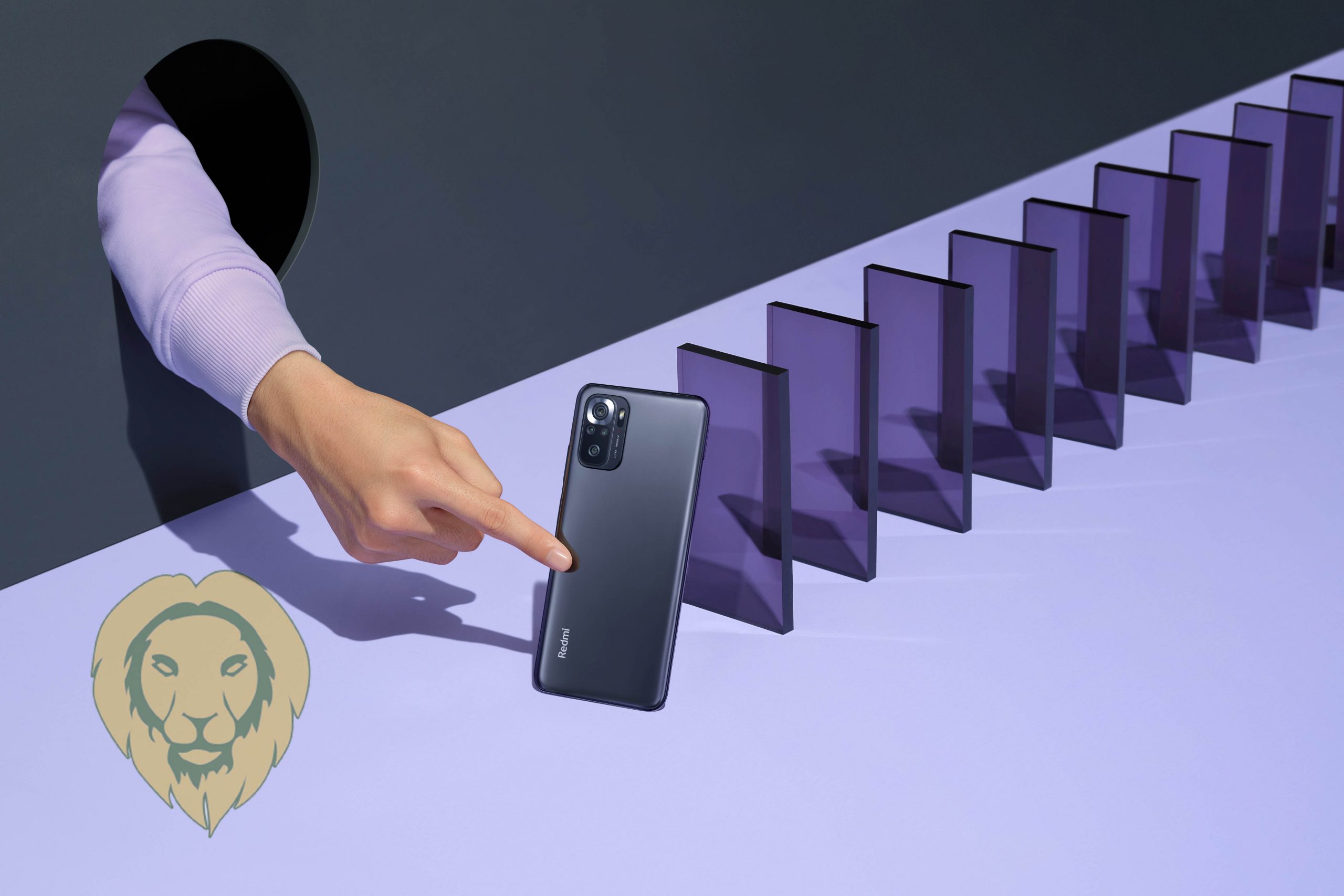
So the next time you want to capture that special moment, here are some tips and tricks that you can try to give your photo and video that pro vibe using your own Redmi Note 10S:
CAPTURE THE NIGHT
You can take high-quality photos even at night or in a dark environment, thanks to the “Night” mode of the Redmi Note 10S. This feature can be found in the “More” tab. You will find an icon with a crescent moon that says “Night.” You can also edit the exposure of the image in your gallery. Tap the image, then click the box icon. Find the “Adjust” where you can increase or decrease the brightness of your photo. You can even play with its contrast and saturation.
From “Night” mode, you can easily switch to “Pro” mode, an imitation of the features of a DSLR camera. You can toggle between the ISO, lens, shutter speed, and filter. Instead of editing the brightness in your gallery, you can increase the ISO instantly before taking a picture. You can also adjust the other features and be creative with them. Do not forget to turn on the 4K resolution from the menu for a high-definition shot.
PLAY WITH DIFFERENT FRAMING
It requires the right angle and distance to take good framing shots used mostly by photographers or filmmakers. It is a good thing that the Redmi Note 10S has the “Lens” feature. You can take great framing shots effortlessly. All you must do is switch to “Pro” mode and choose “Lens.” It will give you various angle shots, the Ultra-Wide-Angle, Wide-Angle, and Macro.
The Ultra-Wide-Angle and Wide-Angle capture sceneries or objects you want all together in one frame. You can use the macro shot instead of pointing your camera close to the subject for a close-up shot where it can l automatically focus closely on the subject. The Macro is the best feature if you want to capture small details of a subject.

SET THE MOOD WITHOUT THE NEED FOR PROPS
Looking to give your photo a particular vibe? An easy way to do it is to set the mood using filters. Instead of using photo or video editing applications, you can adjust the filters immediately on your camera before you take a shot. You can do this by switching to the usual “Photo” mode. Tap the star wand icon from the menu and click the “Filters” to change the feeling of your photo from warm to cold, summery to noir.
You can even customize the filters as you like using the “Pro” mode or by editing in your gallery. You can put a sticker and adjust the brightness, contrast, and saturation, by your preference!
GET CREATIVE WITH TIME-LAPSE
You can get creative with the time-lapse feature of the Redmi Note 10S by combining it with a smooth transition. For example, record the cars passing by using the “Time-lapse” mode. It will seem like a flash of lightning as a result. At the same angle of the camera, record a girl standing on the other side of the road without the time-lapse mode. Once done, edit the videos by connecting them. In between, insert a zoom-in transition. If you think your shots could use a bit more flare, add a few transitions or effects while editing.
STEP UP YOUR SELFIE GAME
The Redmi Note 10S has built-in features to enhance your selfie. Tap the “Portrait” mode, perfect for taking selfies or portraits because the camera focuses on the forefront object while blurring the background. The blur can still be adjusted from none to extreme blur.
There is also the “Gridline” feature that will help you find a good angle. Search for the icon that looks like a hashtag in the menu. Line sections will appear on your camera screen when you toggle it. You can now determine your position or angle if it is center, right, or left but one way to up your selfie game is to tilt something. Angle your phone slightly up, down or to the side or keep your phone still and tilt your head slightly. You can also hold your phone slightly above you and look up towards the camera. Your selfie can also be enhanced by using the “Beauty” and “Filters” found in the star wand icon from the menu. You can adjust the “Beauty” based on how you like your skin to be smooth-looking. You can also add “Filters” depending on the mood you like for your selfie to have.
AMAZING FEATURES READILY AVAILABLE
Make the hidden features of the Redmi Note 10S readily available when you open your camera rather than looking for them. Snap amazing photos with the Redmi Note 10S’ 64MP quad camera with ultra-wide and macro lenses. The 6.43” AMOLED DotDisplay allows you to have a stunning view accompanied by dual speakers for a cinematic feel. The powerful Mediatek Helio G95 octa-core processor makes editing quick and smooth. The Redmi Note 10S carries a 5000mAh battery and 33W fast charging so you can capture photos with your heart’s desire.

Make the most out of this phone by capturing your milestones. Visit your nearest Xiaomi Authorized Stores or the Xiaomi official store in Shopee and Lazada. Follow Xiaomi’s official Facebook page to stay up to date on their latest news.
