
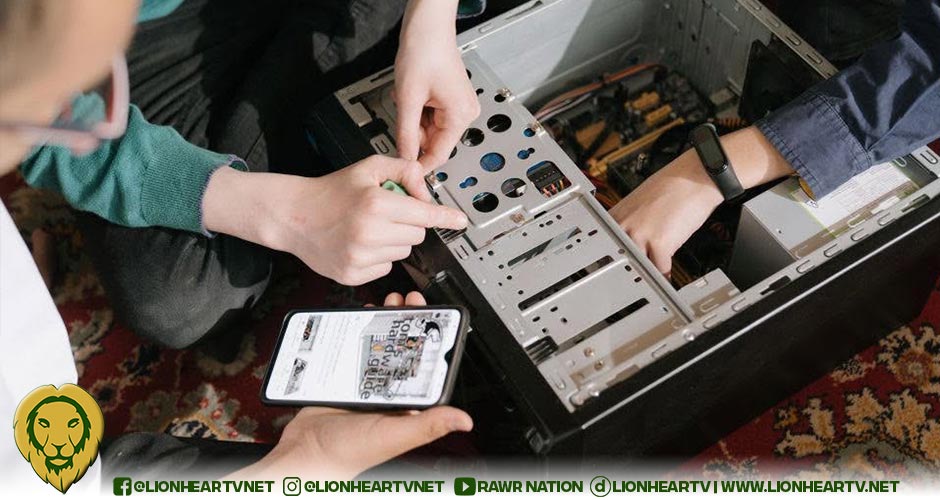

From selecting each component to unboxing new hardware and watching the system boot up for the first time, there’s a distinct sense of accomplishment that comes with assembling your own PC. Still, the process can feel daunting, especially once you start calculating the upfront costs of a custom build.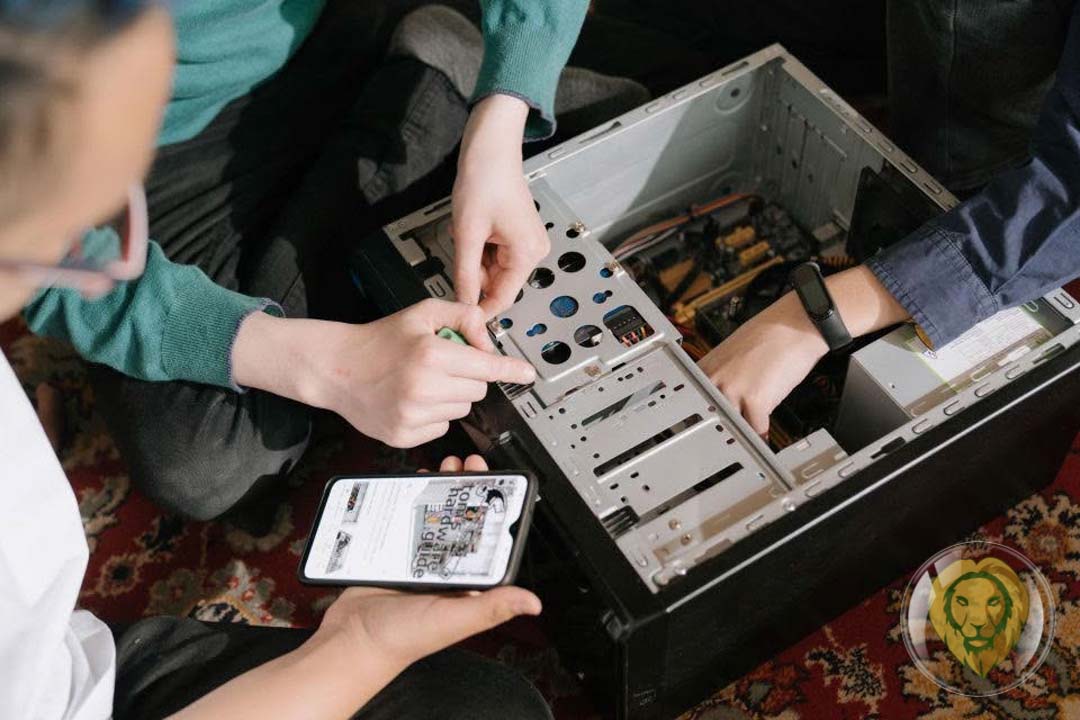
The cost of high-quality graphics cards, processors, and motherboards can add up quickly, causing many builders to look for flexible payment options. If you need more room in your budget while buying parts, comparing the best buy now pay later apps can help you spread expenses over several weeks or months without cutting corners or delaying your build.
Regardless of how you intend to finance your project, building a PC requires a balanced mix of research, patience, and realistic expectations. To help you get started, let’s walk through the essentials you’ll want to keep in mind before diving in.
Start by Defining What You Need the PC to Do
Before browsing online storefronts or reading component reviews, determine what your computer will be doing on a daily basis first. It’s easy to get caught up in the hype and assume you need the most expensive hardware on the market. In reality, a system built primarily for office work and web browsing doesn’t require the same level of hardware as one for video rendering or modern AAA games.
Having a clear purpose makes it easier to determine where it’s worth spending more and where you can save money. For instance, someone editing high-resolution videos may benefit from investing in a more powerful CPU and additional memory, while a competitive gamer may choose to prioritize a faster graphics card and high-refresh-rate monitor instead. When you establish your priorities from the get-go, you’re far less likely to overspend on features you’ll rarely use.
Make Sure Your Components Are Compatible
One of the biggest advantages of building a PC is choosing every component yourself, but that freedom also means you’re responsible for making sure everything works well together. Remember that compatibility involves more than making sure cables plug into the right places; it’s about confirming that the parts are designed to function as a complete system.
Start with the motherboard, since it’s the foundation of your build. Make sure your processor matches the socket and chipset, and check that your RAM type and speed are supported. Think about space as well. Your case should have enough room to accommodate larger graphics cards, cooling systems and fans, and storage drives.
Don’t overlook the power supply, either. It needs to deliver enough wattage for your current setup while leaving some room for future upgrades. Taking the time to double-check compatibility before you buy saves you from frustrating returns and delays once your parts arrive.
Don’t Focus on One Component Alone
When you’re planning a build, it’s natural to want the biggest performance boost for your money. That said, overall speed and stability come from how well your parts complement each other, not just from one standout piece. A top-tier GPU paired with limited memory or an older CPU won’t deliver the results you expect. Likewise, a blazing-fast SSD can’t make up for insufficient RAM if you’re multitasking with demanding applications.
The goal is balance. Spread your budget across components so each one supports the others. A well-rounded system often feels smoother and more consistent than one standout part surrounded by weaker hardware. When deciding where to invest most of your budget, ask which part of your build you want to elevate and whether the rest of the system can keep up.
Think About Future Upgrades
Another significant benefit of building your own PC is the freedom to upgrade individual parts as your needs evolve. With that in mind, it’s worth avoiding locking yourself into a system that can’t grow with you.
Instead of buying components that only satisfy your immediate needs, plan for long-term usability. Choosing a quality power supply with extra capacity, a spacious case, or a motherboard with additional RAM slots makes future improvements much easier. These decisions may cost a little more upfront, but they can save you from a complete rebuild later.
Even if your current budget is limited, selecting components that leave room for expansion gives you flexibility as new software and hardware become available. Ultimately, a scalable system ensures your PC evolves alongside your needs rather than holding you back.
Take Your Time During Assembly
When the boxes finally arrive, it’s completely natural to want to dive straight into assembly. But before you start opening up, make sure you have a dedicated and well-lit workspace for a smoother build and fewer headaches. Because static electricity is no friend to circuit boards, it’s best to skip the carpet and claim a sturdy wooden or plastic table instead
You may also want to keep the manuals nearby for guidance, especially when installing the processor, memory, storage devices, and front-panel connectors. Moreover, taking your time to organize screws prevents lost hardware, just as resisting the urge to force stubborn parts protects your investment. Finally, before pressing the power button, do one final check to make sure every cable is properly connected.
A slower, more careful approach may not be as exciting, but it gives your new PC the best chance of booting properly the first time.
More than just assembling parts, building a PC is about balancing performance, budget, and future needs while creating something uniquely yours. Whether you’re aiming for a gaming rig, a reliable work setup, or a video-editing partner, planning ahead turns the process from a stressful checklist into a smoother, more rewarding project. In the end, every thoughtful decision you make before the first screw goes in sets you up for that moment when you press the power button and watch the system come to life.
